
Stay present with the people who matter.
KeepClose helps you keep in touch with the few people who matter most — the ones you keep meaning to call. Set how often you want to connect, log it in a couple of taps when you do, and let a short weekly checkpoint keep you honest.
What KeepClose is
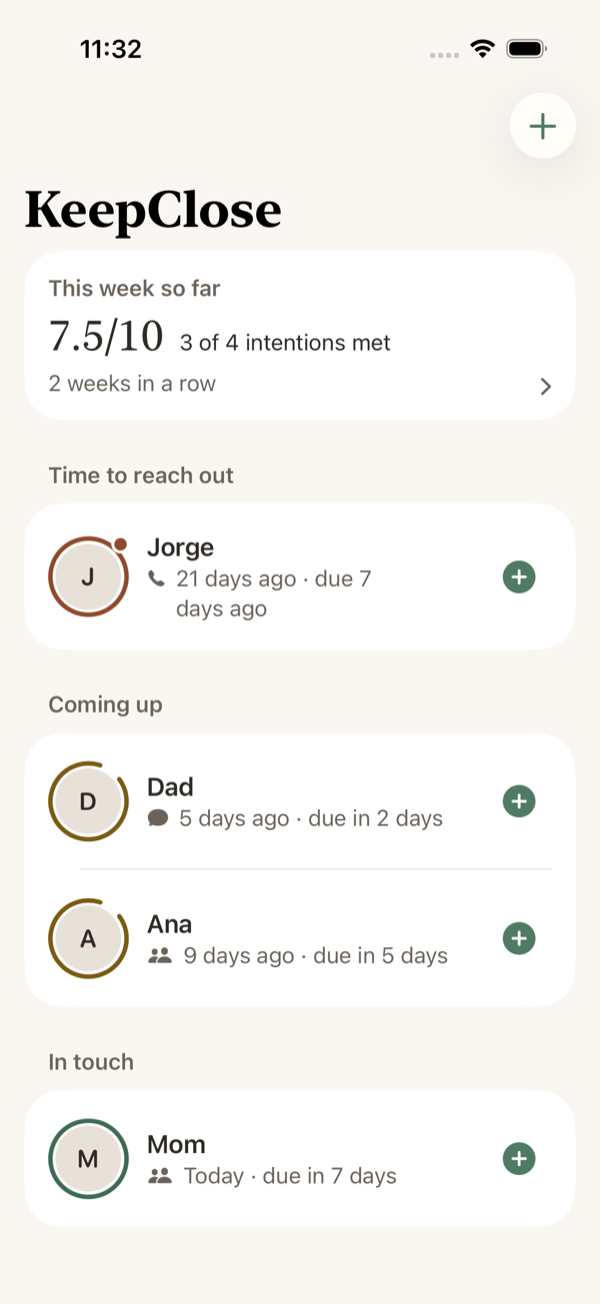
For each person, you set an intention — once a week, twice a month, monthly, or every quarter. When you see them, call, video chat, or send a message, you log it in a couple of taps. The dashboard sorts everyone by how close they are to their next intended contact: no red numbers, no guilt, just a plain, honest picture.
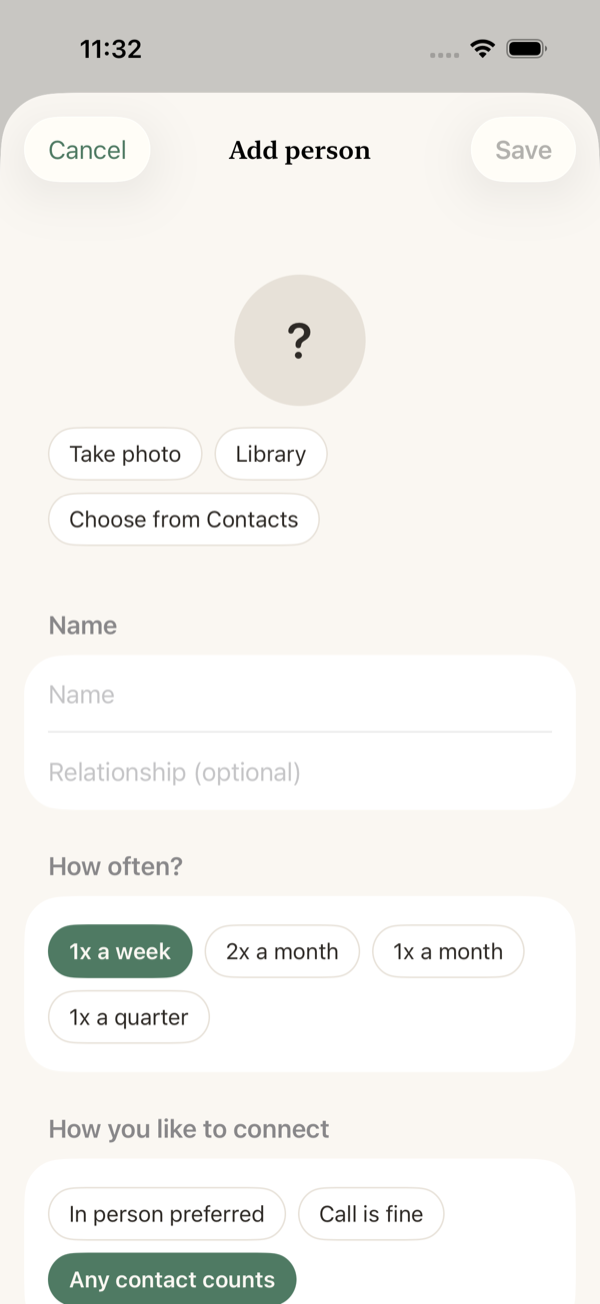
Set an intention per person
Decide how often you want to be in touch with each person — the app tracks the rest.
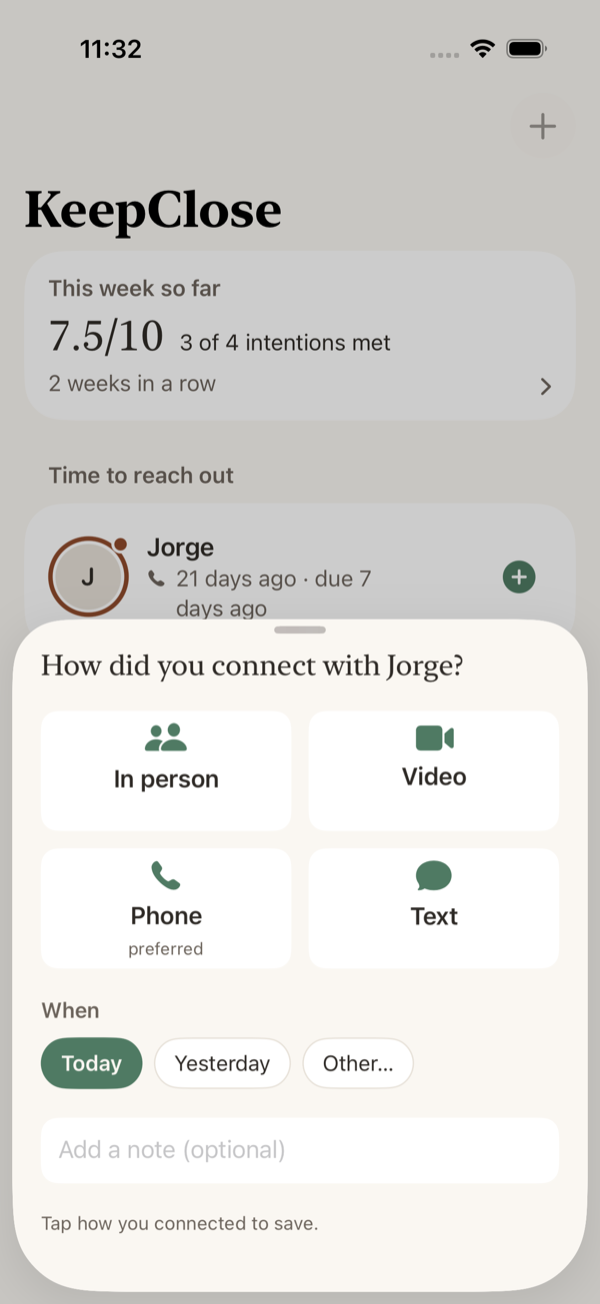
Log contact in a couple of taps
Saw them, called, video chatted, or sent a message — logging takes a few seconds from the dashboard.
A weekly checkpoint
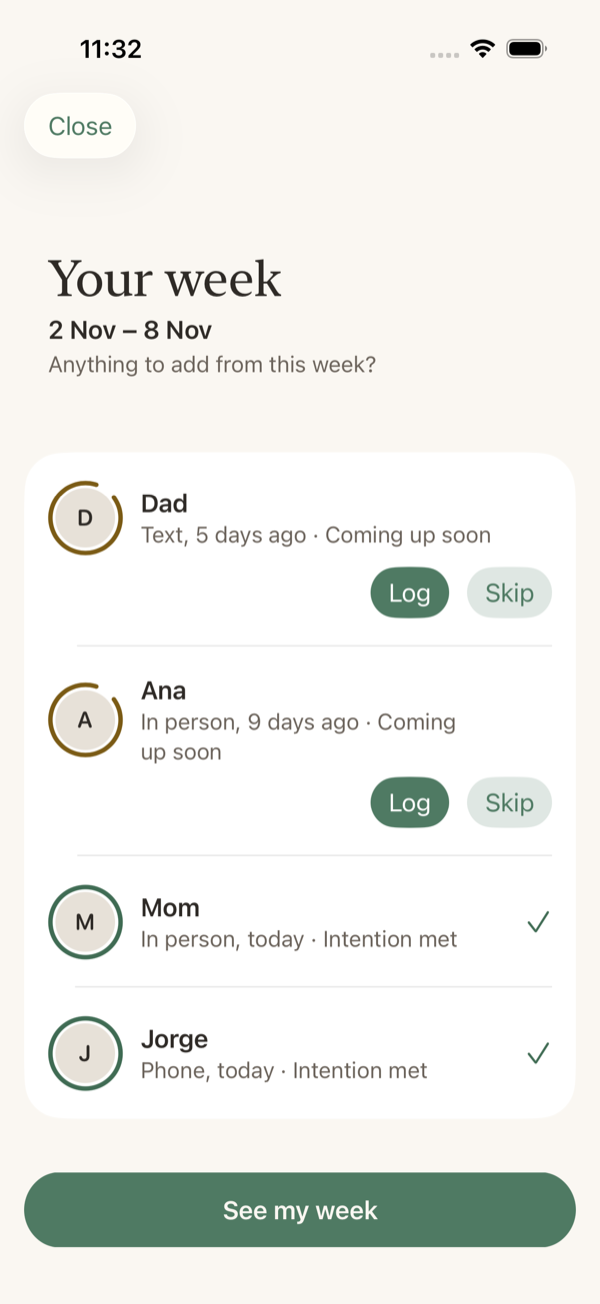
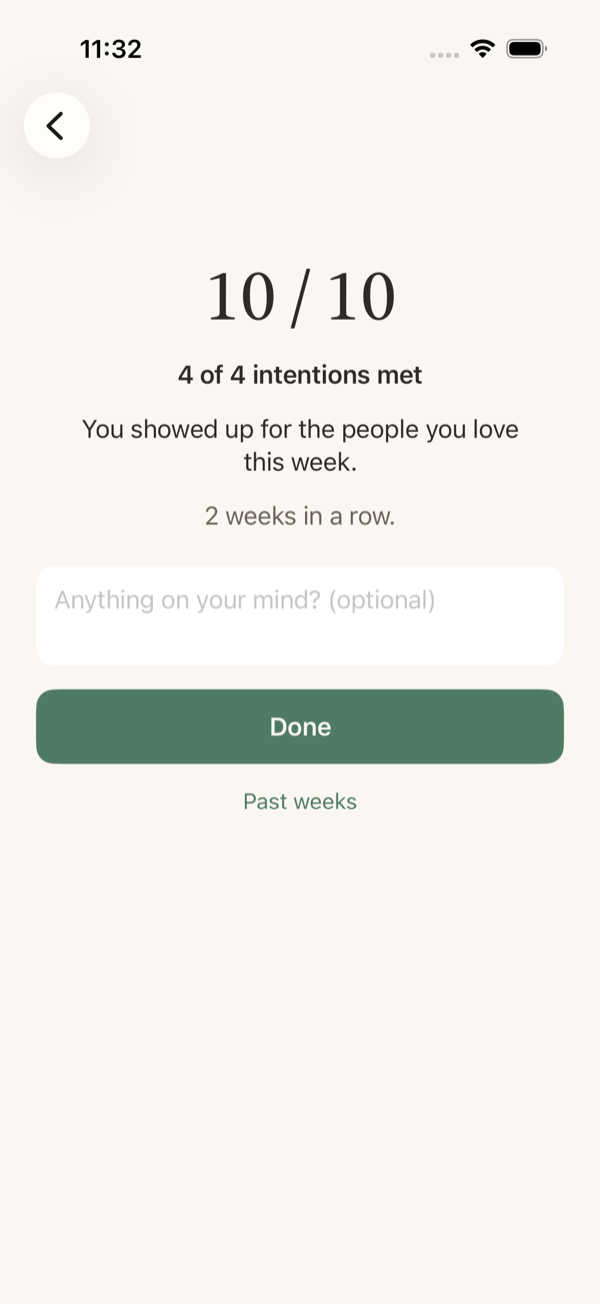
Every Sunday evening, a short review walks you through anyone you haven't logged, then shows a simple score. Past weeks are saved so you can see the pattern over time.
Gentle reminders
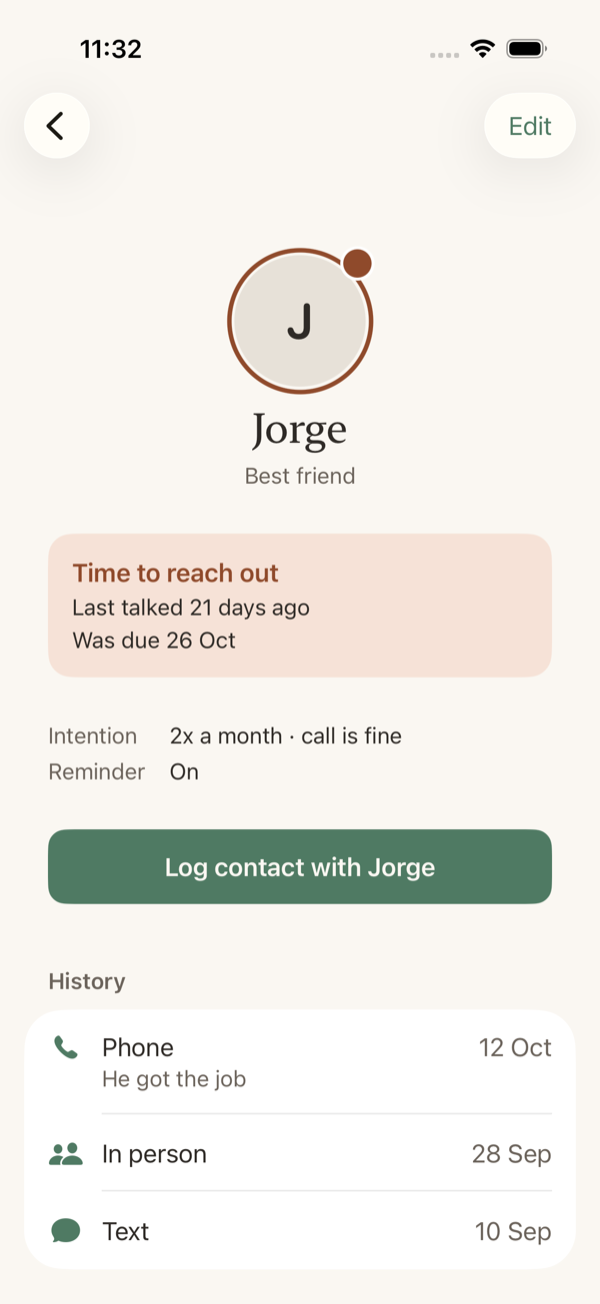
Optional nudges when someone becomes due. Several people due the same day get one combined notification, not several.
Who it's for
People with a busy life who already feel "I should call my dad more" and want a quiet nudge, not a CRM. KeepClose is built for tracking a handful of close people — parents, a few close friends, siblings — not your whole address book.
How it works
Three steps, no setup beyond adding the people you care about.
Privacy
Everything stays on your iPhone — there's no account, no cloud sync, and no analytics. Read the full privacy policy →
A quick look
A few screens from KeepClose.
Keep close to the people who matter.
A plain, honest picture of who you've stayed in touch with — and a gentle nudge for who's next.